


Image tool
Edit Image
Upload an image, describe a change, repeat. Every edit stacks as a new version you can step back to.
versions stackNano Banana Pro
01
Your image
The image to edit. After an edit, the newest version is used.
Drop an image here
or click · jpg png webpWorks with:
- Photos, renders, product shots
- Each edit makes a new version
- Edit an older version to branch
02
Describe the edit
One change at a time works best.
Model
Aspect Ratio
Preview
Add an image and describe the edit. Every version is kept in your creations.
No image yetupload one in step 01
Examples
Click one to load the photo and the edit.
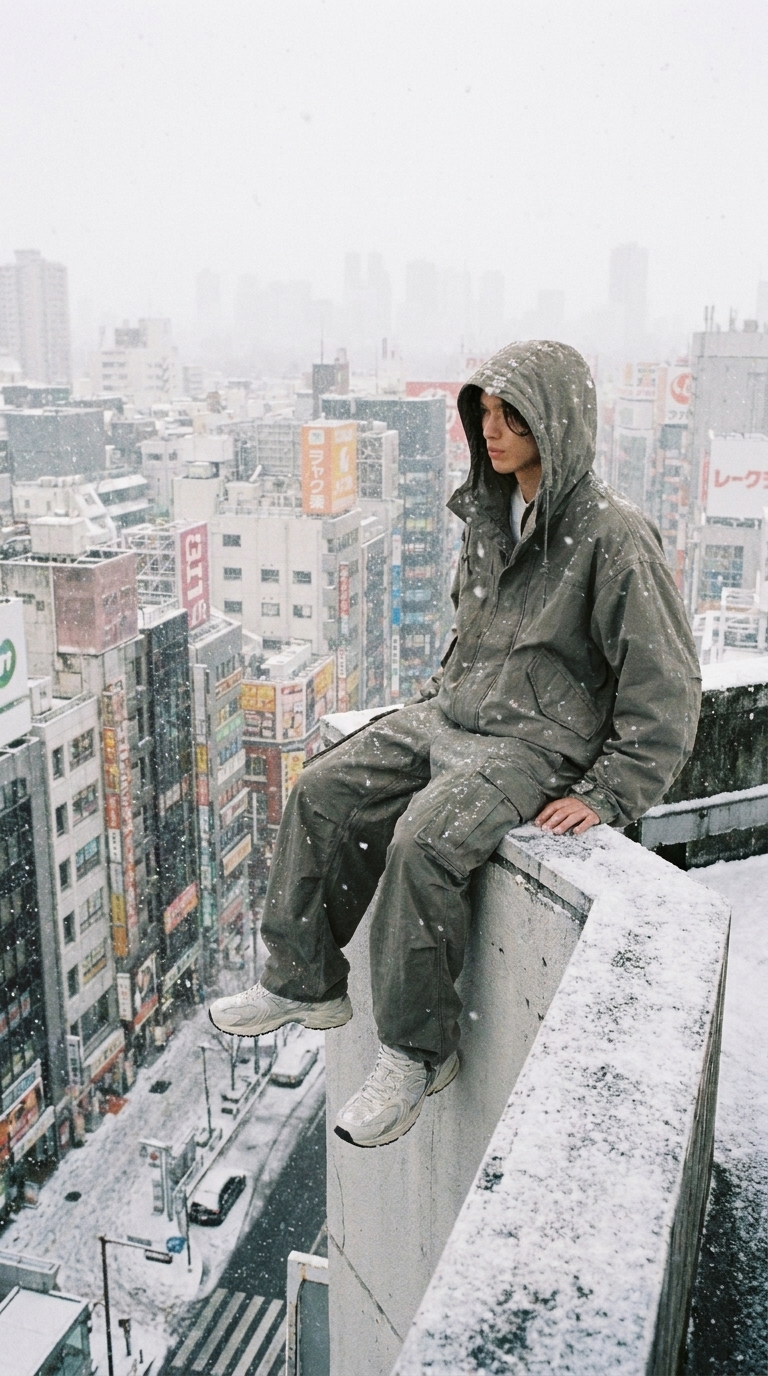
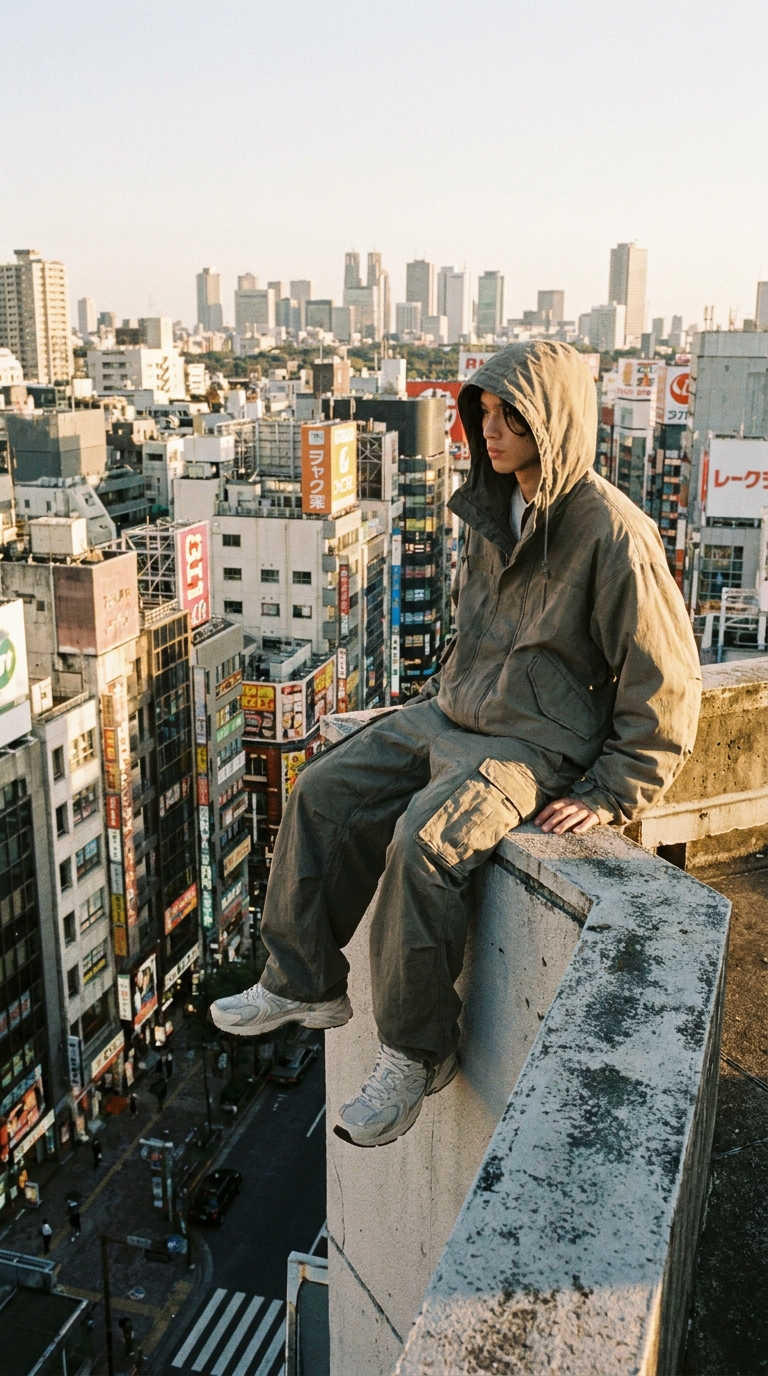 Add snow
 Neon night kitchen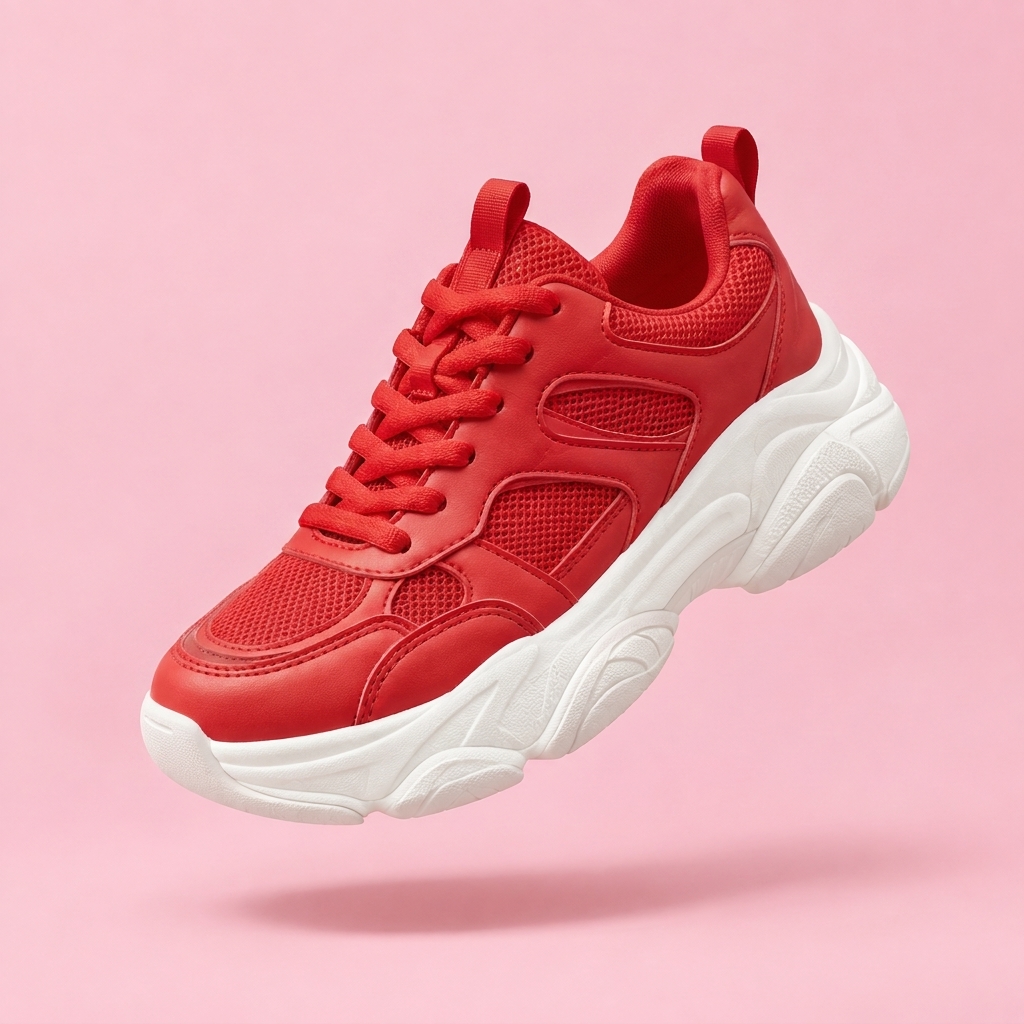
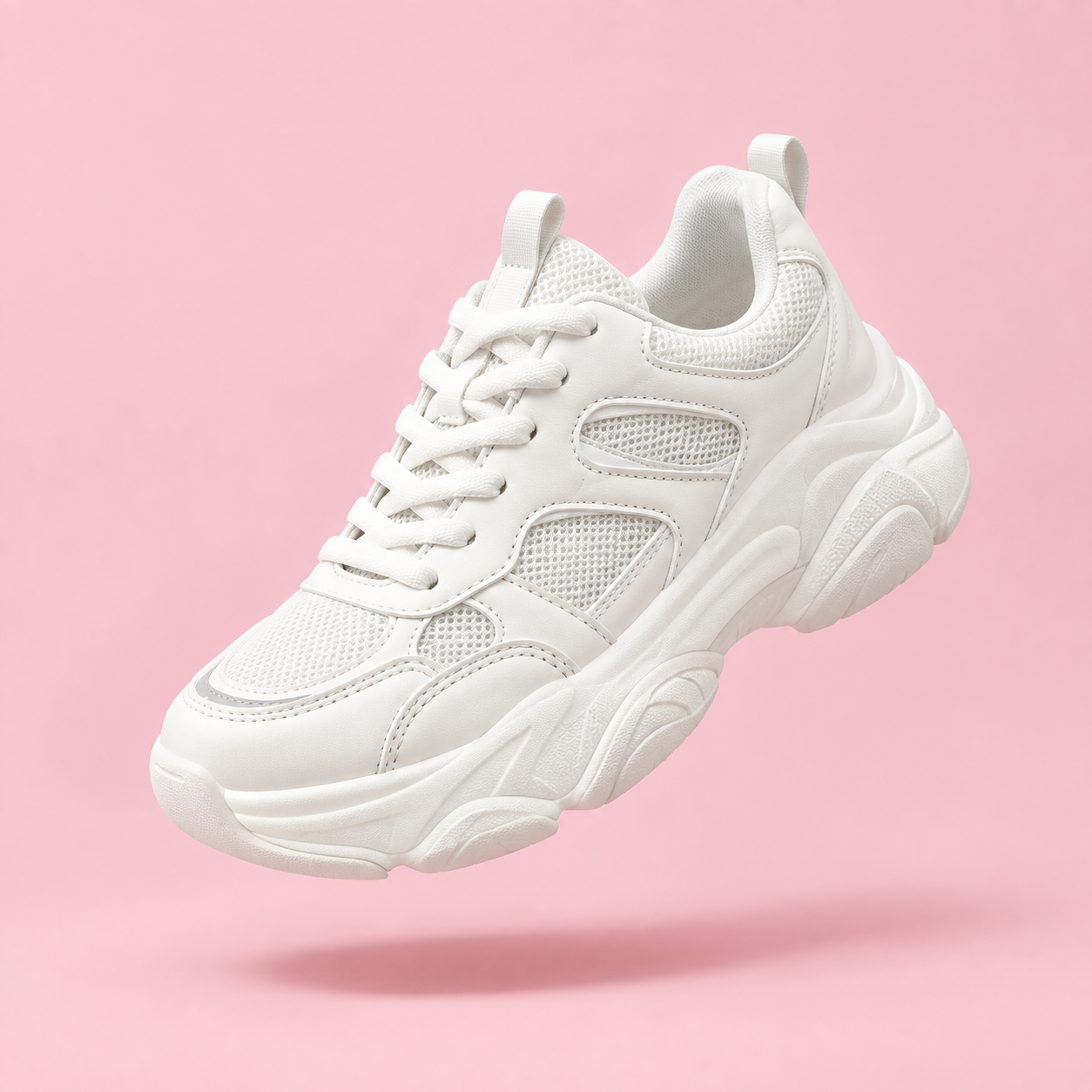 Recolor the product
Add an image
Generation History
Your generations will appear here.